
Evil Crawling Things Discord: How to Join and Get News
Find the evil crawling things discord through the game's Roblox page, follow update announcements, share bug reports, and learn where to redeem Coin codes.
Jump to
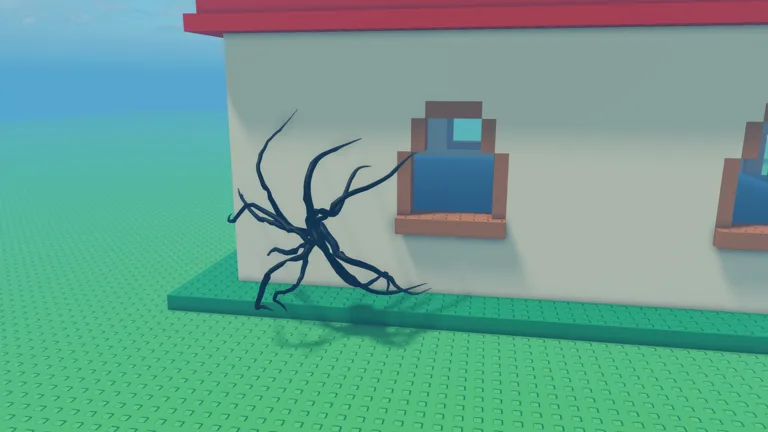
How to Find the Community Discord
The evil crawling things discord is the :WaitForCat() community server for game updates, bug reports, and ideas. Start with the official Roblox experience page, then follow the developer’s community links to reach the server. Join to follow announcements and look for new code posts between rounds.
Keep the developer’s name in mind when finding the community: :WaitForCat() runs the Roblox experience. The game takes inspiration from a Garry’s Mod addon with a similar name, so use the Roblox game’s own community links to reach the right destination.
Community options — November 21, 2026:
| Destination | What it offers |
|---|---|
| :WaitForCat() Discord server | Game updates, bug reports, ideas, and code announcements |
| Official Roblox experience page | Access to the game and its developer |
| :WaitForCat() Roblox group | A ×1.2 round Coins boost for group members |
Follow Updates and Find Coin Codes
Use the server to keep up with changes that affect your next match. New mechanics can change how you hide, coordinate, and spend your Coins.

For example, since the November 19, 2026 update, Crawlers can hear in-game voice chat. Keep in-game voice chat quiet while hiding, especially during Blackout, when Crawlers hunt by sound. Read announcements before relying on an older survival routine.
Code posts are another reason to follow the community. FOG gives 5,000 Coins, enough to cover the 3,000-Coin Light SMG or the 4,500-Coin Light Shotgun.
Redeem a code inside the game:
- Open SHOP from the left-side menu.
- Select CODES.
- Paste the code into ENTER CODE.
- Click REDEEM.
Enter codes exactly as written; they are case-sensitive. Keep code redemption in the game’s Shop menu.
Submit Useful Bug Reports and Ideas
The community server welcomes bug reports and suggestions. Make your report specific enough for someone else to follow the same steps.

Include:
- Where it happened: the map and round type.
- What you were doing: buying gear, moving equipment, reloading, or escaping a grab.
- What happened next: describe the result and what you expected instead.
- How to repeat it: list the actions in order.
Before reporting missing equipment, inspect all three hotbar slots. Assigning an owned item to a new slot empties its previous slot and replaces the item already occupying the destination. Reassign the displaced item if you still want it equipped.
For suggestions, explain the gameplay problem you want to solve. A clear description of a blocked escape route or confusing equipment interaction gives other players something concrete to discuss.
Coordinate Your Next Survival Round
When arranging a session with other players, agree on a meeting point and retreat route before the action starts.
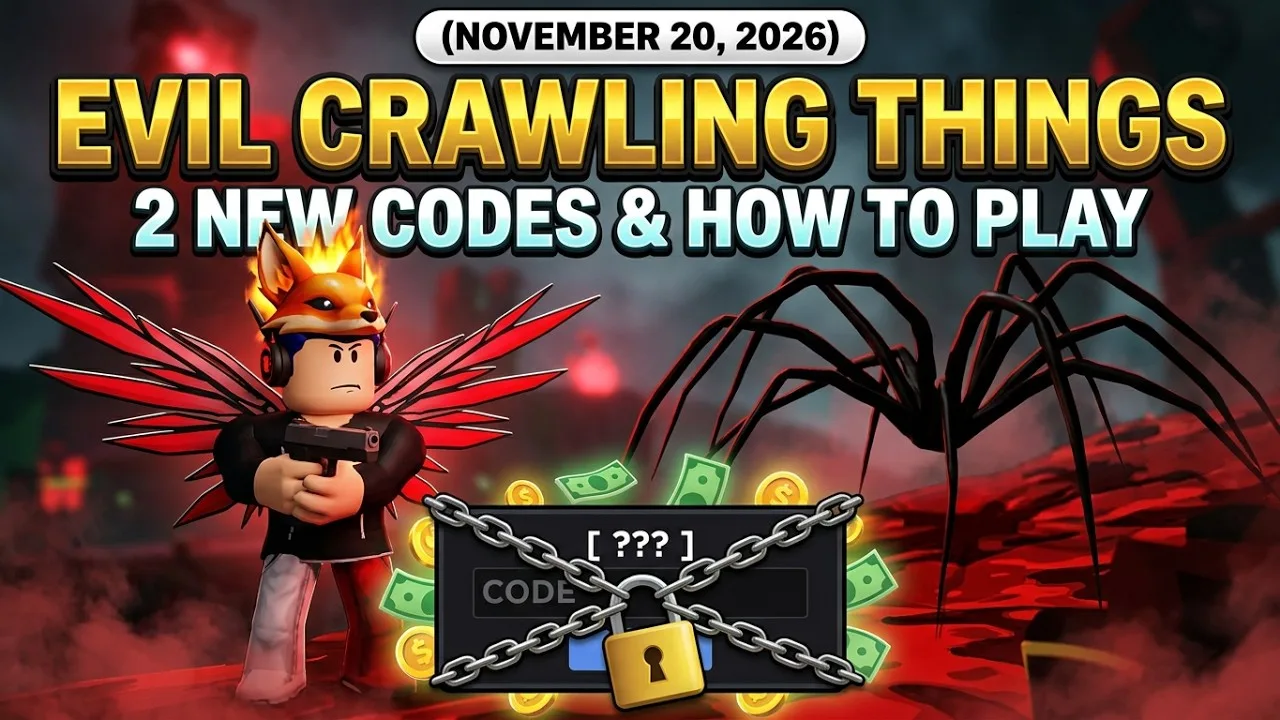
Keep these game details in mind:
- Each server supports 12 players.
- Roblox group members receive ×1.2 round Coins.
In a standard round, use the 15-second HIDE phase to regroup. Survive the following three-minute countdown to earn YOU SURVIVED; kills are not required.
Pick a fallback position while everyone can still reach it. In The Backrooms, regroup at a junction before taking another blind turn. On Firebase, watch the door as well as the window. During Larry, assign someone to watch for the smaller Crawlers that appear when the giant takes damage.
Read the SPECIAL ROUND banner during HIDE before committing to a plan. In Swarm, small, fast Crawlers can reach your position while you reload; cover one approach together and leave an exit open. In Juggernaut, only the player named in the banner is immune to grabs.
Plan your escape gear, too. In SHOP → GEAR, 300 Coins buys three Flashbangs, with up to two uses per round. Use the stun to reach an exit. If a Crawler grabs you, follow the BREAK FREE prompt, then move out of reach before reloading.
Continue exploring
Evil Crawling Things Larry: Survival and Gear Guide
Learn how to survive evil crawling things larry, handle its smaller Crawlers, choose weapons, and prepare for the Giant Slayer melee challenge in Roblox.
Evil Crawling Things Special Rounds: Modes and Updates
Explore evil crawling things special rounds, including Infection, Doppelganger, The Fog Is Coming, and The Nest, with update dates and smart survival tips.
Join the community
Official channels for news, updates and player help: